Do You Need a Digital Family Calendar? Choose by the Problem You Actually Have
A free shared app, a fridge calendar, or a wall display costing hundreds of dollars can each be the right answer. Which one depends entirely on the part of your family schedule that is actually breaking.
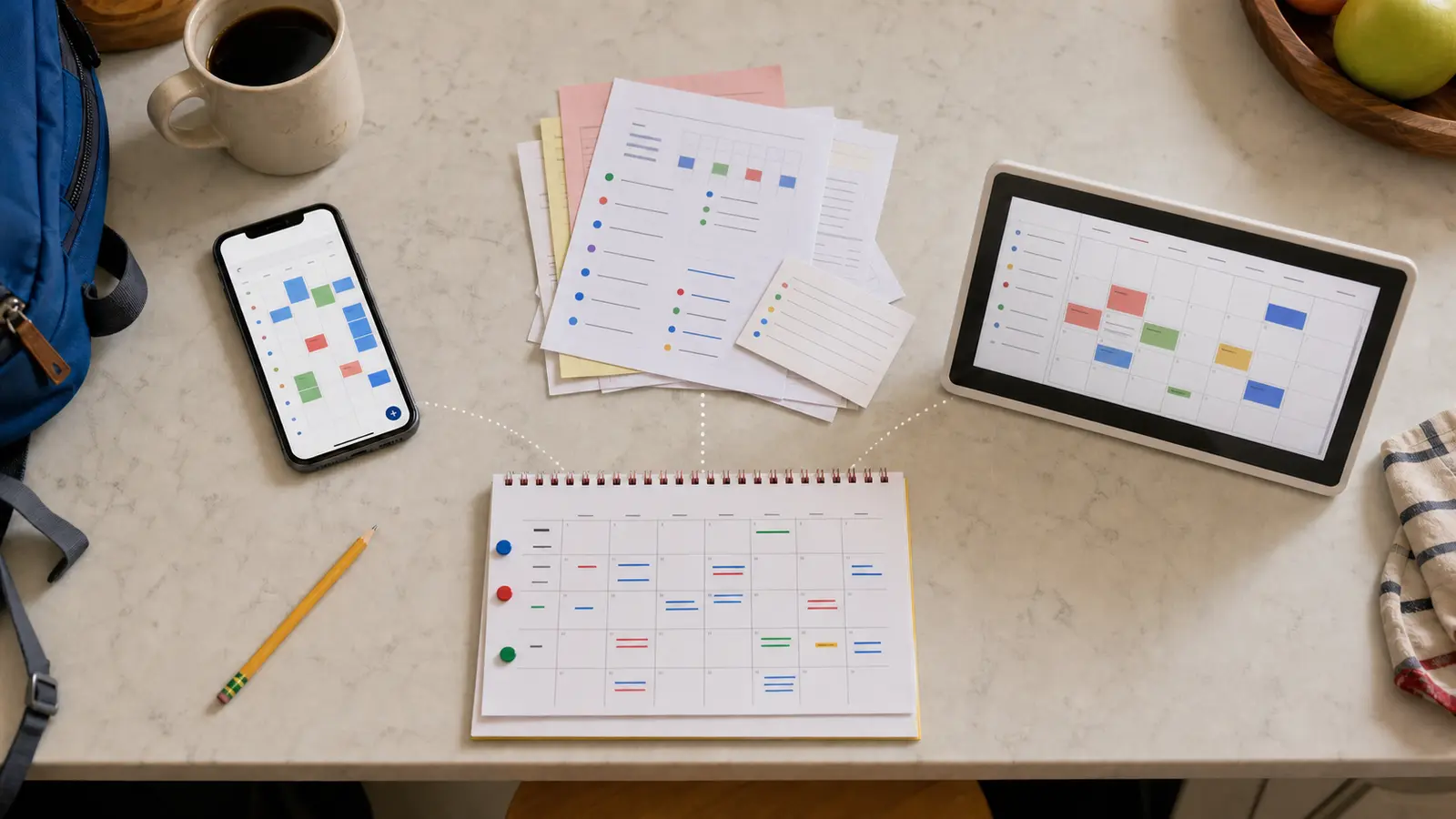
The school calendar is in an email. Soccer is in an app. Your work schedule is somewhere else. A paper invitation is still sitting on the counter, and somehow you are the person everyone asks what happens next.
A digital family calendar can make that easier, but only when it fixes the part of the system that is actually breaking. If your family simply needs one shared place for dates, a free calendar app may be enough. If everyone forgets to look at an app, a paper or dry-erase calendar in the right spot may work better. A dedicated wall display earns its cost only when you need both shared information and daily visibility.
The short answer: do not choose the calendar first. Decide whether your problem is capture, visibility, or shared follow-through.
Affiliate disclosure: As an Amazon Associate, Tired Mom Finds earns from qualifying purchases made through links in this guide, at no extra cost to you. We have not personally tested the products named here. Recommendations are based on current product documentation, compatibility, price structure, and the job each option needs to do.
The three-question decision shortcut
Ask these in order:
- Do important dates fail to reach one shared place? Start with a free shared digital calendar.
- Are the dates recorded, but people forget to look? Put a paper or dry-erase calendar where the family already passes every day.
- Do you need one visible screen that can combine calendars, update remotely, and help the household act on the plan? A dedicated digital family display may be worth considering.
If you answered no to the third question, you probably do not need a dedicated screen that costs hundreds of dollars.
If school dates are the part that never make it onto any calendar, the fix is upstream of the calendar itself. Start with choosing where school dates should live, then come back to this decision.
Try this seven-day test before buying anything
You can learn more from one ordinary school week than from another hour of product reviews.
For seven days:
- Put every school, work, appointment, practice, and pickup event into one calendar you already have.
- Share it with the adults who need it.
- Place one written view of the next seven days where everyone will see it.
- Ask each person to check the plan before asking you what comes next.
- Keep a note of what still fails.
At the end of the week, look at the failures:
- Events were missing: fix how information gets captured.
- Events were present but unseen: fix visibility and placement.
- Everyone saw the plan but you still had to manage every action: a new screen will not solve ownership by itself.
- The paper copy went stale because plans changed constantly: a shared, remotely editable display may remove real friction.
That last result is the strongest reason to consider dedicated hardware.
Option 1: Use a free shared calendar
Best for
- Adults who already check their phones
- Schedules that change while people are away from home
- Families that mainly need one source of truth
- Anyone who wants to test the habit before buying hardware
Google Calendar, Apple Calendar, Outlook, and other calendar services already support shared calendars. Use the system your household is most likely to open. The important choice is not the logo. It is whether every relevant event reaches the same shared view.
Skip this option if
- Children or caregivers need a glanceable view without opening an app
- The family already has a shared calendar but still asks one person for every update
- Important paper notices never get entered
The tradeoff
Free shared calendars solve capture and remote access. They do not guarantee that anyone will look at them.
Option 2: Use a paper or dry-erase family calendar
Best for
- Families who need a visible weekly or monthly plan
- Homes where the kitchen or entryway is a natural check-in point
- Schedules that are stable enough to update by hand
- Anyone who wants the lowest-cost visibility test
A plain wall calendar can be more useful than an expensive device when the problem is simply that the schedule is hidden on one person's phone. Choose a layout with enough space for the household and put it where shoes, bags, breakfast, or keys already create a daily pause.
If a reusable fridge calendar fits your space, this 16-by-12-inch magnetic dry-erase calendar on Amazon is one currently verified low-cost example. You do not need this exact one. The useful features are enough writing room, readable contrast, and a place your family will actually see.
Skip this option if
- Plans change several times a week
- Different adults need to update the schedule from work or school
- Copying events by hand creates another job for the same overloaded person
The tradeoff
Paper wins on visibility and simplicity. It loses on remote updates, automatic syncing, and keeping fast-changing schedules current.
Option 3: Consider a dedicated digital family calendar
Best for
- Several calendars that must appear in one visible household view
- Frequent changes that make a paper copy stale
- Adults who need to update the plan away from home
- Children or caregivers who benefit from seeing the day without opening a phone
- A household willing to choose a location near power and Wi-Fi
The current 15-inch Skylight Calendar syncs with common calendar services and can sit on a counter or mount on a wall. Its standard tools include shared calendar views and household task features. Skylight's optional Plus plan currently adds features such as meal planning, photo display, and importing events from emails or PDFs. As of August 1, 2026, the manufacturer lists the 15-inch Calendar 2 at $279.99 and Calendar Plus at $79 per year after the included first free month. Skylight sells other Plus plans at a lower price for its Frame and Buddy products, so confirm you are reading the Calendar plan. Features and prices can change, so check them again before buying.
You can check the current 15-inch Skylight Calendar 2 listing on Amazon.
Who it is for
Choose this path when your household has already proven it will use a shared calendar, but the schedule needs to be both remotely editable and impossible to miss at home.
Who it is not for
Skip it if:
- A shared phone calendar already works
- A low-cost wall or dry-erase calendar solves the visibility problem
- Your household will not maintain one source of truth
- You do not want another connected device in a family space
- The features you care about require a subscription you do not want
- You expect the device to make other people take ownership without a household agreement
The tradeoff
A dedicated display combines visibility and live updates. It also adds an upfront cost, a permanent place in the home, power and Wi-Fi dependence, account and privacy decisions, and possible subscription costs.
Compare the three paths
| Your real need | Free shared calendar | Paper or dry-erase calendar | Dedicated digital display |
|---|---|---|---|
| One shared source of dates | Strong | Fair | Strong |
| Visible without opening a phone | Weak | Strong | Strong |
| Update from anywhere | Strong | Weak | Strong |
| Lowest cost | Strong | Strong | Weak |
| Handles frequent changes | Strong | Weak | Strong |
| Easy for a child or caregiver to glance at | Fair | Strong | Strong |
| Requires power and Wi-Fi | No | No | Yes |
| May add a subscription | No | No | Yes, depending on features |
What to check before buying a digital wall calendar
1. Calendar compatibility
List every calendar that matters: personal, work, school, sports, custody, and caregiver schedules. Confirm the exact services the device supports. Do not assume that "syncs with calendars" means every account can be edited both ways.
2. The input path
Ask who will add each type of event and how. If school dates arrive as PDFs or emails, decide whether you will enter them manually or pay for an import feature. A device that saves glances but creates more data entry is not reducing the mental load.
3. The subscription boundary
Separate included features from paid features. Compare the full first-year and second-year cost, not just the hardware price.
4. Placement
The display needs a safe power route, reliable Wi-Fi, readable viewing distance, and a place the household naturally passes. A beautiful screen in the wrong room is still invisible.
5. Privacy and control
Decide which events can appear in a shared space, who can edit them, and whether sensitive work or health details need a private calendar. Review the current privacy policy before connecting accounts.
6. Return and support terms
Confirm the return window, warranty, and support route directly with the seller or manufacturer. Keep the receipt and packaging until the family has used the system through a real week.
A simple setup that matters more than the device
Whichever path you choose, give the system four rules:
- One source of truth: every event that affects the family goes into the same master view.
- One owner per event: the calendar shows who is responsible for the pickup, form, item, or follow-up.
- One daily glance: check today before the morning rush or the night before.
- One weekly reset: remove stale items, add the next school notices, and resolve conflicts.
The calendar should move information out of one person's head. It should not become one more surface that only she maintains. If you are the only person who ever knows what happens next, the deeper problem is described in move the schedule out of one person's head.
The fastest way to choose
- Choose a free shared calendar when events are scattered.
- Choose paper or dry erase when the plan is hidden.
- Choose a dedicated digital display when the plan must be both live and visible.
- Choose no new product yet when the real problem is that responsibilities are not shared.
The best system is the least expensive one your household will keep using. On the hardest mornings, the calendar only helps if the plan is already visible, which is why it pairs with making tomorrow's plan visible tonight.
Frequently asked questions
Is a digital family calendar worth it?
It can be worth it for a family with several changing calendars that needs one always-visible home view and remote updates. It is usually not worth it when a free shared calendar or a visible paper calendar already solves the problem.
Can I use a tablet as a family calendar?
Possibly. A spare tablet can display a shared calendar, but you still need to solve mounting or placement, power, screen behavior, account access, and how each person updates it. Test that setup before buying dedicated hardware.
Do digital family calendars require a subscription?
It depends on the product and feature. Some include core calendar functions and charge for advanced imports, meal planning, photos, routines, or rewards. Check the current included-feature list and renewal price before purchase.
Is paper better than a digital family calendar?
Paper is better when visibility and simplicity are the main problems and the schedule changes slowly. Digital is better when several people need to update changing plans from different places.
Will a family calendar reduce the mental load?
It can reduce searching, copying, and repeated questions when everyone uses the same system. It will not redistribute responsibility unless the family also assigns ownership for the actions on the calendar.
Sources and fact-check notes
- Pew Research Center, 2026 working-parent report: ST_2026.6.16_working-parents_report.pdf
- Skylight Calendar current product details: myskylight.com/products/skylight-calendar
- Skylight setup and calendar-sync support: Skylight Calendar Set Up Guide
- Amazon product identity, ASIN B0G5ZX9WSW: amazon.com/dp/B0G5ZX9WSW
You are not doing this alone
Which part keeps breaking at your house: getting dates in, seeing the plan, or sharing follow-through? Save this for the next school-year reset or send it to another mom who is the only one who knows the schedule.
Tired Mom Finds
Get practical, realistic routines for busy days
Weekly no-fluff tips for calmer mornings, simpler evenings, and less mental load.